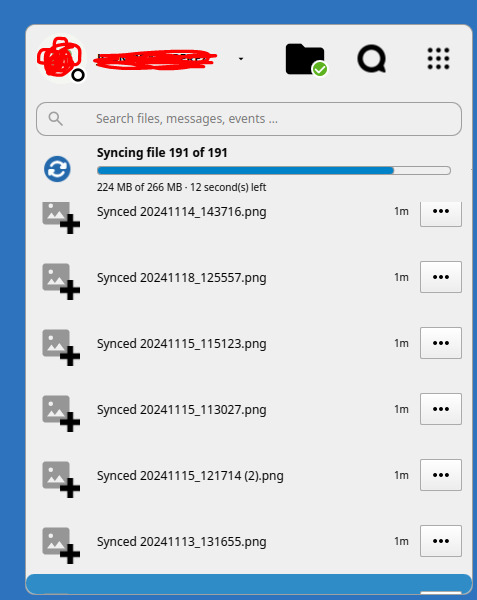
SACO is a cloud storage service provided by CSIC, you can store up to 300GB of data. Under the hood It uses a software called NextCloud.
You can access it by login here with your CSIC credentials or install the desktop client for a better integration. This guide will show you how to install and configure the client.
First, go to the Next Cloud official site, hover into Download and select “Desktop & mobile apps”.

Select the installer according to your OS and run it.

When the setup wizard opens, select”Log in”. In the next step, write https://saco.csic.es as the server address.
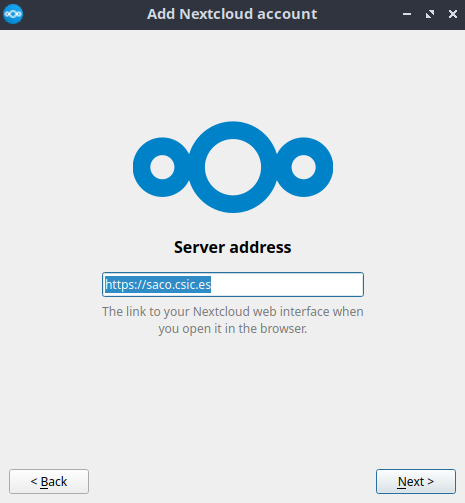
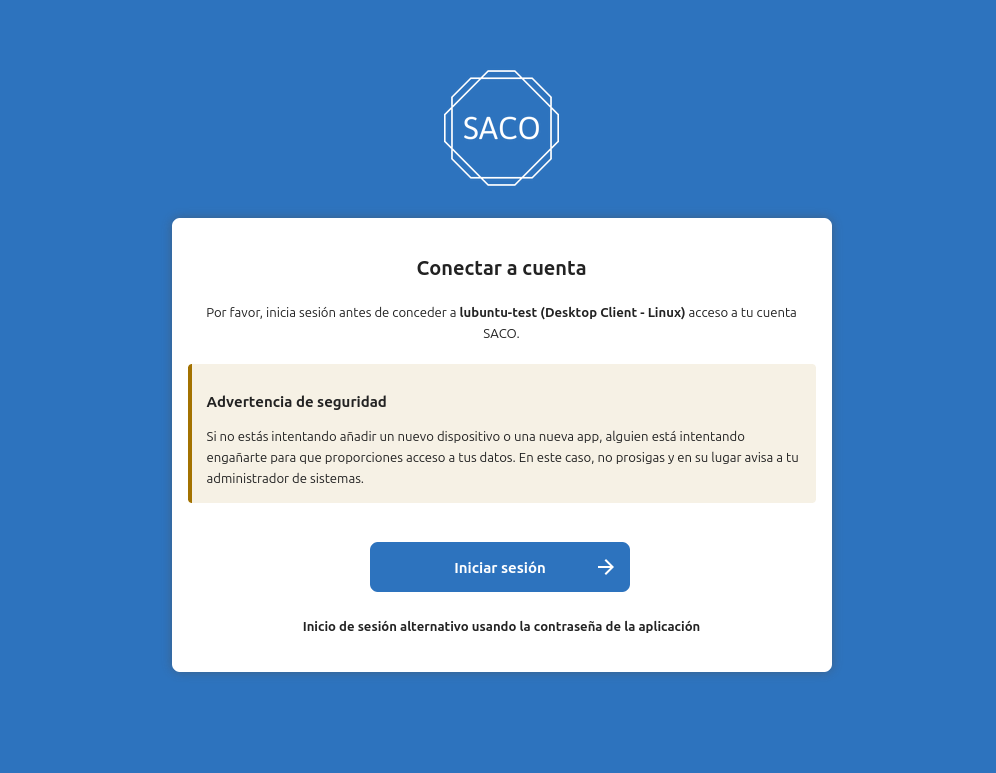
Click “Next” and then, a window in your browser will pop up. Click in “Iniciar sesión” to log in with your CSIC account.
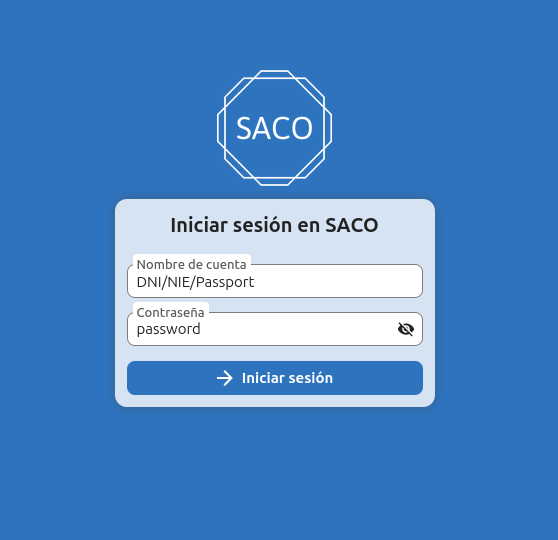
Write your CSIC credentials. Then, click in “Conceder acceso”(allow access). Once it’s done, you can close the browser.
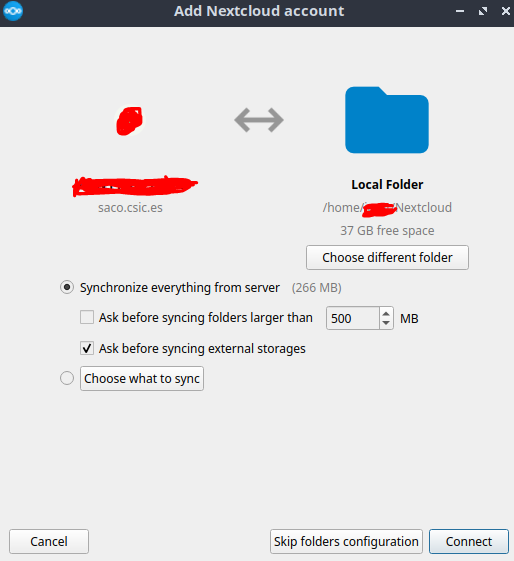
Now, if you look at the bottom-right of your system, the NextCloud icon will be shown, click into it. A window will open asking what should be synced. Click connect to complete the configuration.
Then, all your files will start to sync and it should be ready to go.