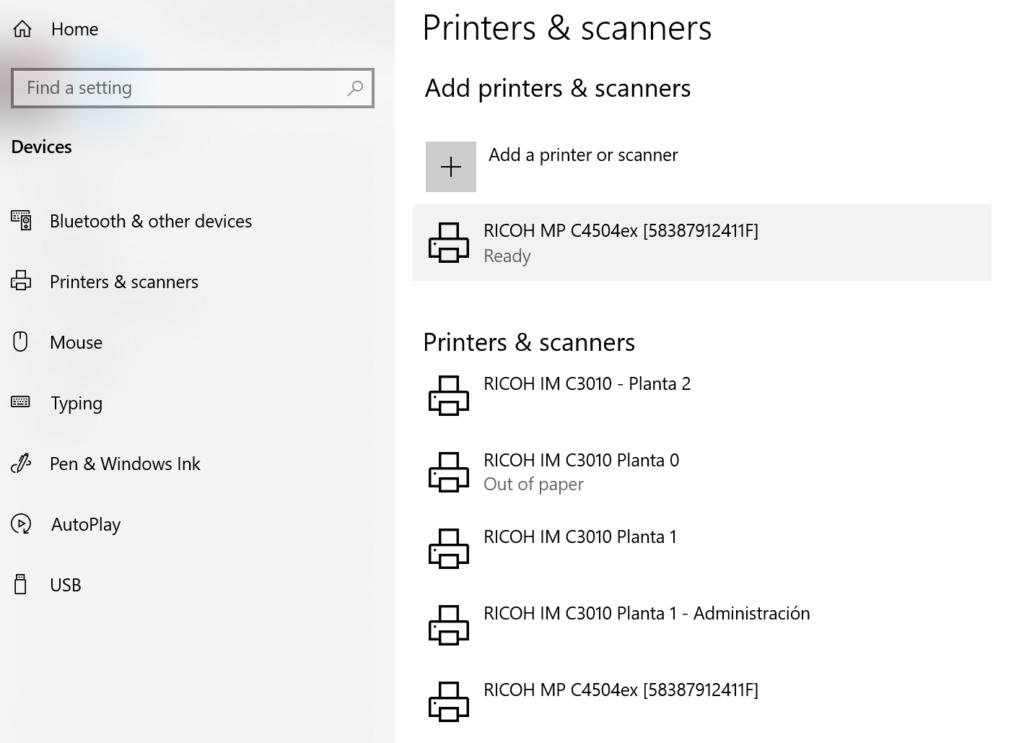
Ricoh MP C4504ex is the printer located at the administration office of the ICE. Its parameters are the following.
| Location | Hostname | IP Address |
|---|---|---|
| 1st floor – Administration | 58387912411F | 10.50.1.158 |
Windows configuration
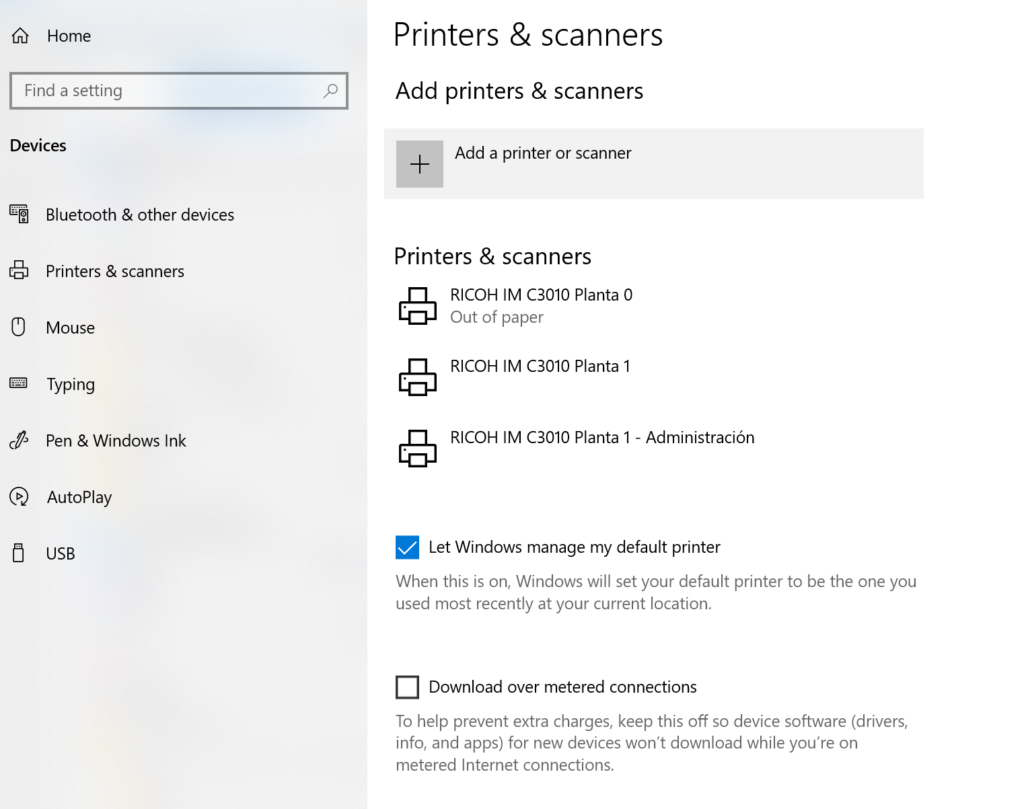
Open windows “Printers & Scanners” configuration and select “Add printer or scanner”.
A list with the network printers will be displayed, then select the printer that you want to add based in the printer hostname, then click “Add device”. The string between square brackets [] is the printer hostname, you can use it to difference the different printers.
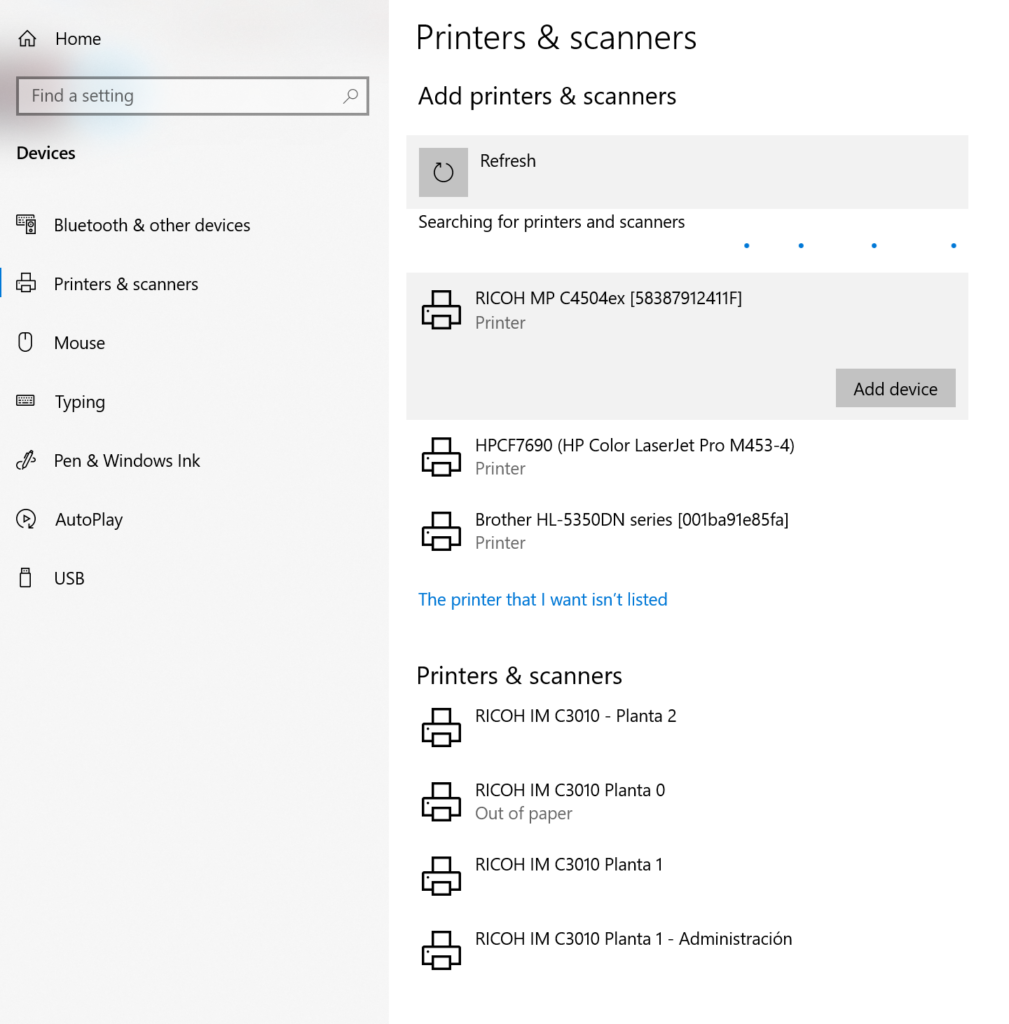
After a few seconds you printer should appear.